Well, we know that we can show word layout report into Email body while sending the email to our customers or partners or anybody from Business Central, but setting up the Email functionality or Document sending profile.
Here I am explaning how we can convert the Word layout report to text and add it into Email body as HTML.
Here we go
First we need to make an Wordlayout report (Docx) file it can be any report, I am showing the example here.
<img class="alignnone wp-image-422" src="https://www.navwithnav.com/wp-content/uploads/2022/11/Snag_29d5c62.png" alt="" width="483" height="337" />
After selecting the word layout report we can write our code how to convert the word report file into Text and add into Email body as HTML.
<pre class="EnlighterJSRAW" data-enlighter-language="generic">procedure SendEMailtoCustomer(CustEMail: Text; CustNo: Code[20])
var
Cust: Record Customer;
EmailMessage: Codeunit "Email Message";
email: Codeunit Email;
base64: Codeunit "Base64 Convert";
InS: InStream;
EMailBody: text;
Outstrebody: OutStream;
DocRef: RecordRef;
FldRef: FieldRef;
begin
Clear(EMailBody);
Clear(ins);
Cust.get(CustNo);
DocRef.GetTable(Cust);
FldRef := DocRef.Field(Cust.FieldNo("No."));
FldRef.SetRange(Cust."No.");
if DocRef.FindFirst() then begin
Clear(TempBlob);
// Create new Outstream variable
TempBlob.CreateOutStream(Outstrebody);
// this is my Word layout report I have created new report and saving as HTML file, and sending this report in OutStream (Outstrebody)
report.SaveAs(report::"Customer Account Detail Email", '', ReportFormat::Html, Outstrebody, DocRef);
// CreateInstream function will read the Outstrebody varilable into create my Ins (Instream).
tempblob.CreateInStream(InS);
// ReadText function of Instream will read the text and convert it into our Text variable (Emailbody)
InS.ReadText(EMailBody);
// Here we are going to put the Emailbody (converted text) into Message with HTML as true (see the last parameter)
EmailMessage.Create(Cust."E-Mail", 'My Statement', EMailBody, true);
// Below code section is used to attached the PDF report as a attachment here.
Clear(TempBlob);
TempBlob.CreateOutStream(Outstrebody);
Report.SaveAs(Report::"Customer Account Detail", '', ReportFormat::Pdf, Outstrebody, DocRef);
tempblob.CreateInStream(InS);
EmailMessage.AddAttachment('Account Detail.pdf', 'application/pdf', base64.ToBase64(InS));
email.Send(EmailMessage);
end;
end;</pre>
Final output would be like this:
[caption id="attachment_423" align="alignnone" width="389"]<img class=" wp-image-423" src="https://www.navwithnav.com/wp-content/uploads/2022/11/Snag_2a8280e-284x300.png" alt="Emailbody" width="389" height="411" /> Emailbody[/caption]
Back to Series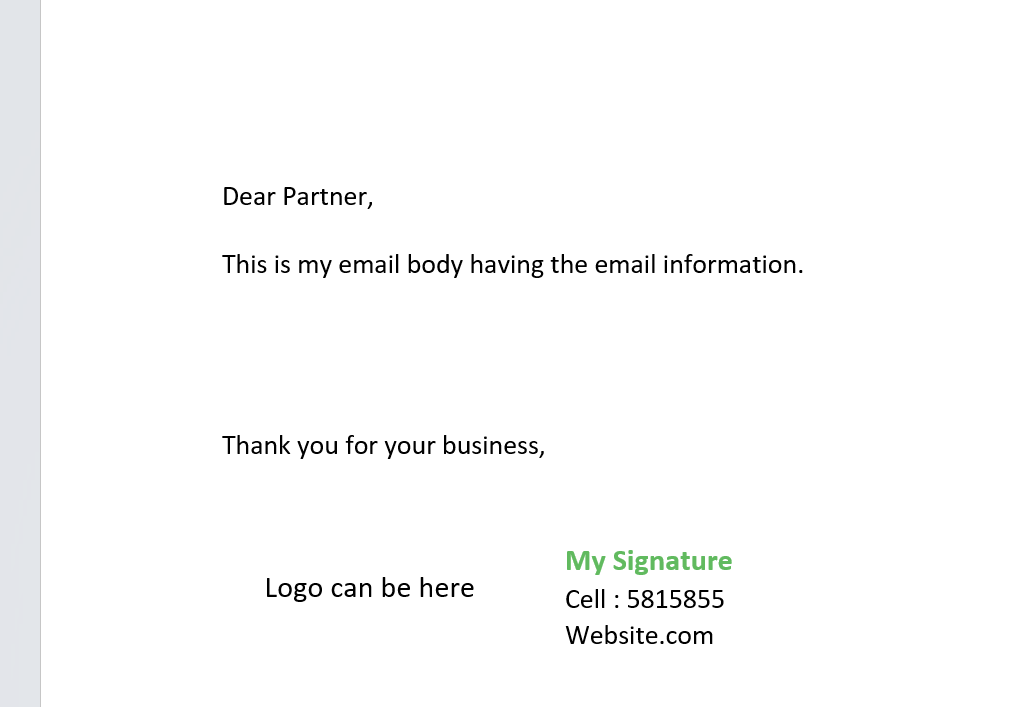
Business Central
convert Wordlayout report (Docx) into Text and add it in Email Body through AL Code while sending Email
Well, we know that we can show word layout report into Email body while sending the email to our customers or partners or anybody from Business Central, but setting up the Email functionality or Docum...
NitinNovember 1, 2022 2 min read
BusinessCentralVisualCode
Share this Article
0
0
Discussion (0)
No comments yet. Be the first to share your thoughts!
Newsletter
Stay updated with the latest Business Central development tips.

Nitin Verma
Solution Architect
Extensive experience specializing in Microsoft Dynamics NAV, Business Central, Power Platform, and ERP Architecture.
Read full bioSearch Articles
Monthly Archive
Loading...